Beginner’s Guide to Cloud Computing for Developers
Some teams use multiple clouds. That can help in specific cases, but it’s also easy to end up with double the complexity and no real benefit. Multi-cloud is best when there’s a clear reason (regional constraints, redundancy requirements, or a specific product advantage).
I didn’t fully understand cloud computing the first few times I heard it explained. People would say, “It’s servers on the internet,” which is technically correct, but it doesn’t answer the real question: why does it change how we build software?
The mental model that helped me was this: running an app is like running a small café. On a normal day, you can manage with one counter and a small kitchen. Then a weekend rush hits and suddenly you’re short on space, staff, and ingredients. Traditional infrastructure feels like that — you plan ahead, buy capacity, and hope your estimate was right.
Cloud computing is closer to renting the café with flexible capacity. Quiet day? Small setup. Busy day? More capacity without you scrambling. And you don’t keep paying for empty chairs when traffic drops.
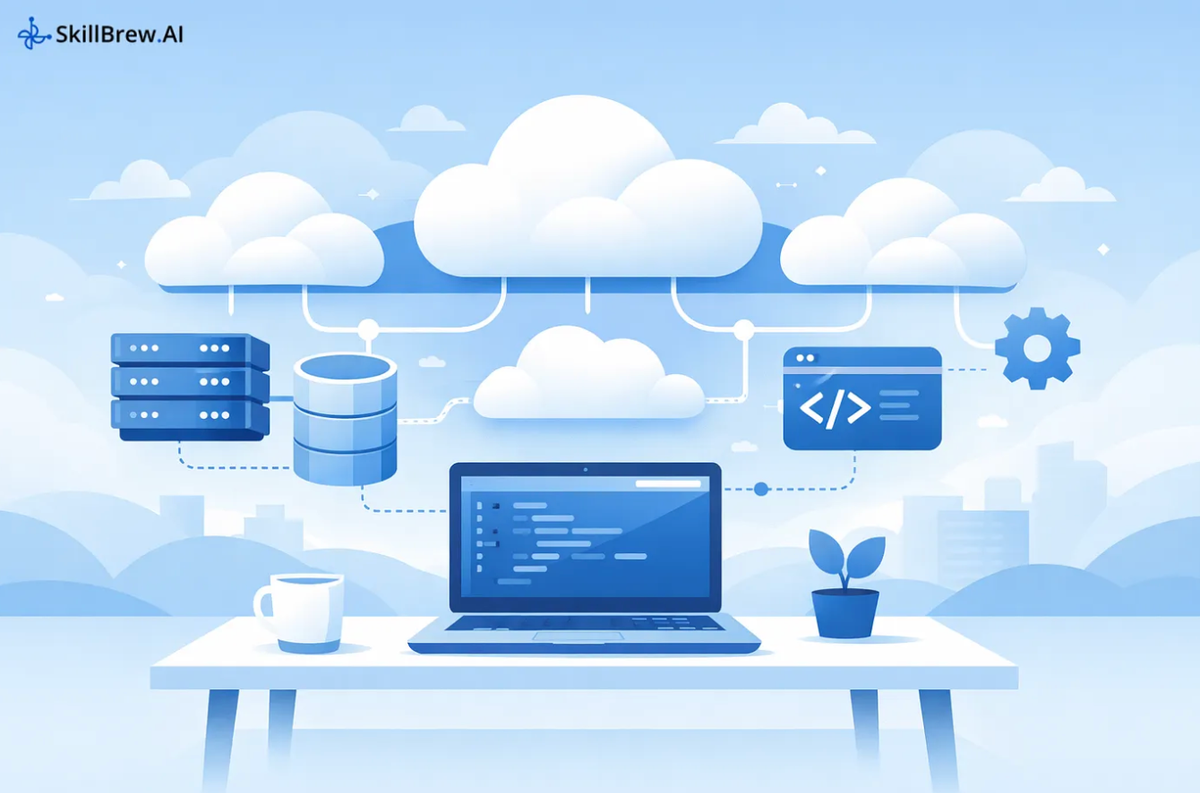
In practical terms, cloud computing gives you servers, storage, databases, networking, and tooling through an online dashboard or API. That last part matters: you don’t “wait for machines,” you provision them. You can spin up resources in minutes, tear them down, and repeat.
Why Developers Actually Use the Cloud
Before cloud became common, “shipping a feature” often meant also managing a lot of operational work. Servers crashed. Disk space ran out. Backups weren’t reliable. Certificates expired at the worst time. None of these problems is interesting, but they’re real.
Cloud platforms reduce the hands-on work by providing managed services. “Managed” just means the provider handles a bunch of maintenance for you (patches, backups, high availability), and you focus on configuration and usage.
Here’s a simple example that mirrors what a lot of teams build:
Say you have a Next.js frontend, a Python API, and Postgres.
On your own servers, you might:
- install Postgres
- configure backups
- patch it
- set up replication
- Monitor disk, RAM, and failover
With a managed database, you usually still handle schema design and query performance, but the platform handles routine operations.
It’s not a free lunch. You trade some control for speed and reliability. Most of the time, it’s worth it.
The Big Three Cloud Providers (How They Feel)
People compare AWS, Azure, and Google Cloud like they’re identical choices. In practice, they feel different.
AWS is a massive toolbox. It’s popular because it covers almost everything, but beginners can feel overwhelmed because there are many services that sound similar. Once you get comfortable, it’s extremely flexible.
Azure fits naturally if you’re already using Microsoft-heavy tooling. Teams on .NET, Windows servers, SQL Server, or Active Directory often adopt Azure because the integrations are smoother and the ecosystem feels familiar.
Google Cloud tends to show its strengths when data and analytics are central. Teams working with large datasets, machine learning, or container-heavy setups often like GCP’s approach (and it’s closely tied to Kubernetes culture).
None of these is “the best.” They’re different trade-offs.
How to Choose One Without Getting Stuck
A simple way to decide is to look at what you’re building in the next 1–3 months, not your dream architecture.